







Businesses with a storefront
Ideal for businesses that sell products and accept payments in store. Manage sales, products, stock and orders systematically, with full Mobile POS support.
A POS system that makes store management easier with
A point-of-sale system on your smartphone or tablet that makes selling more convenient and organized.
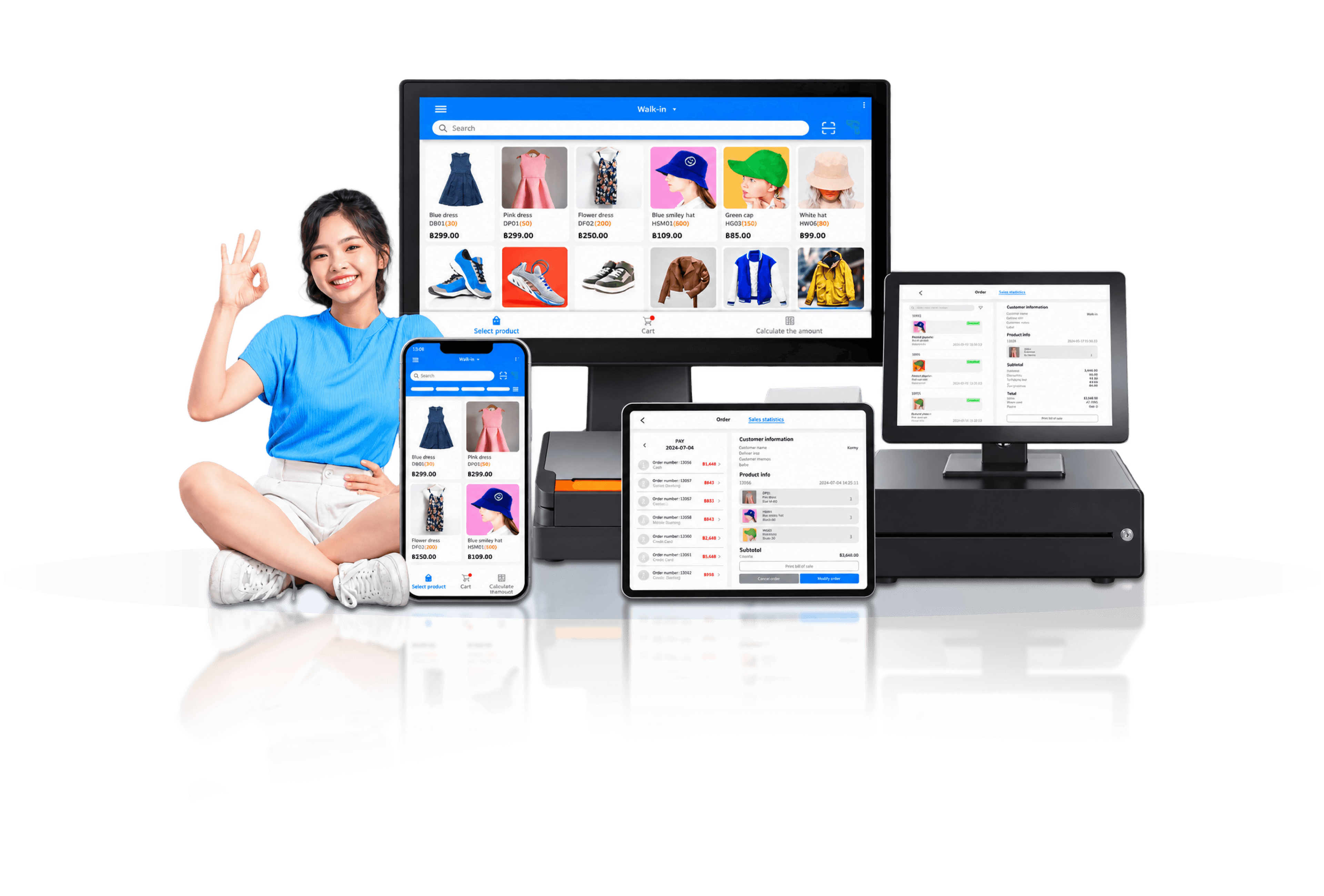
Whether you run a single store or multiple branches, JSHOP brings your sales and key store data into one system,
reducing hassle and giving you more time to focus on growing your business.
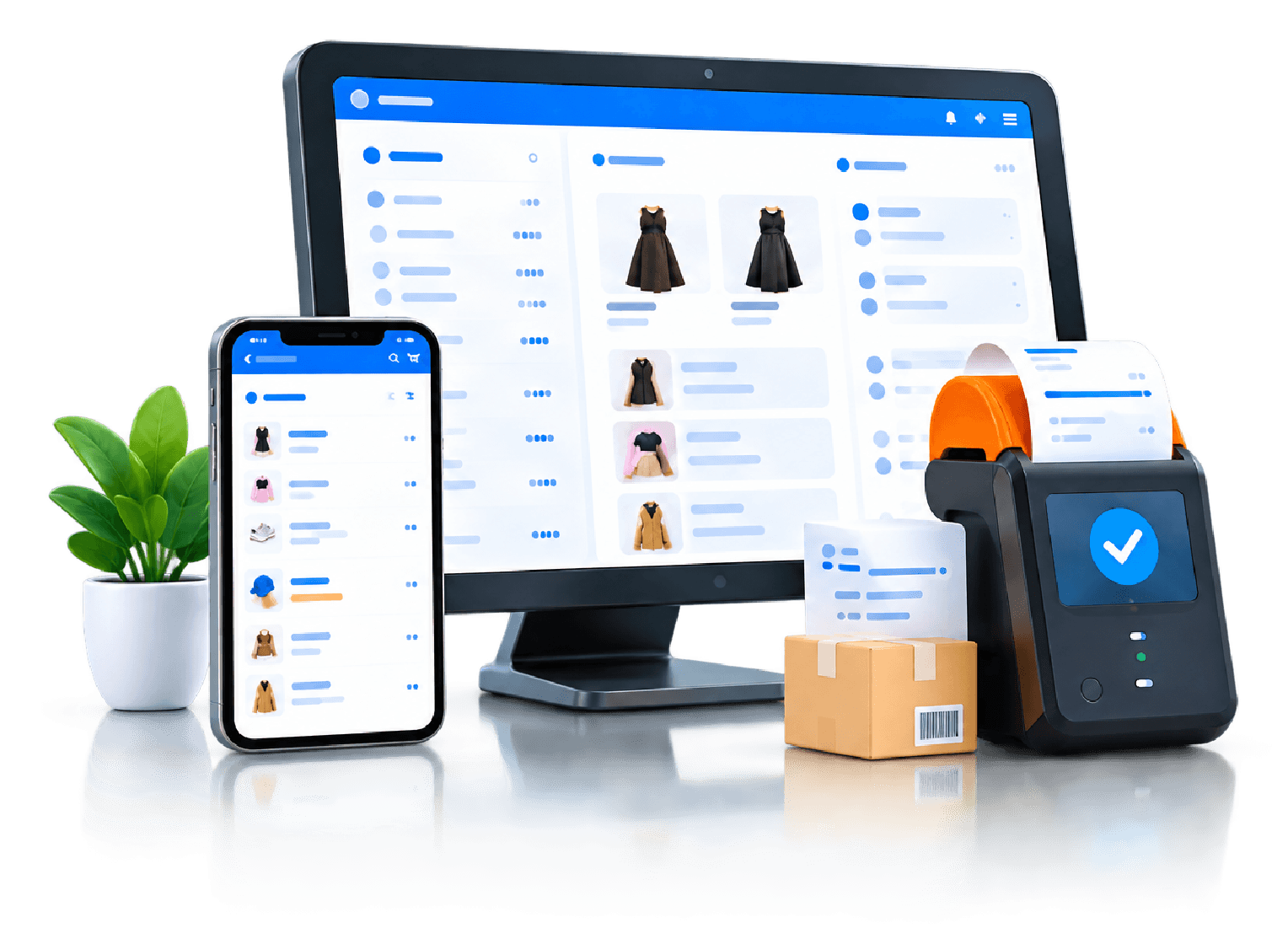
Access store and sales data conveniently from any supported device.
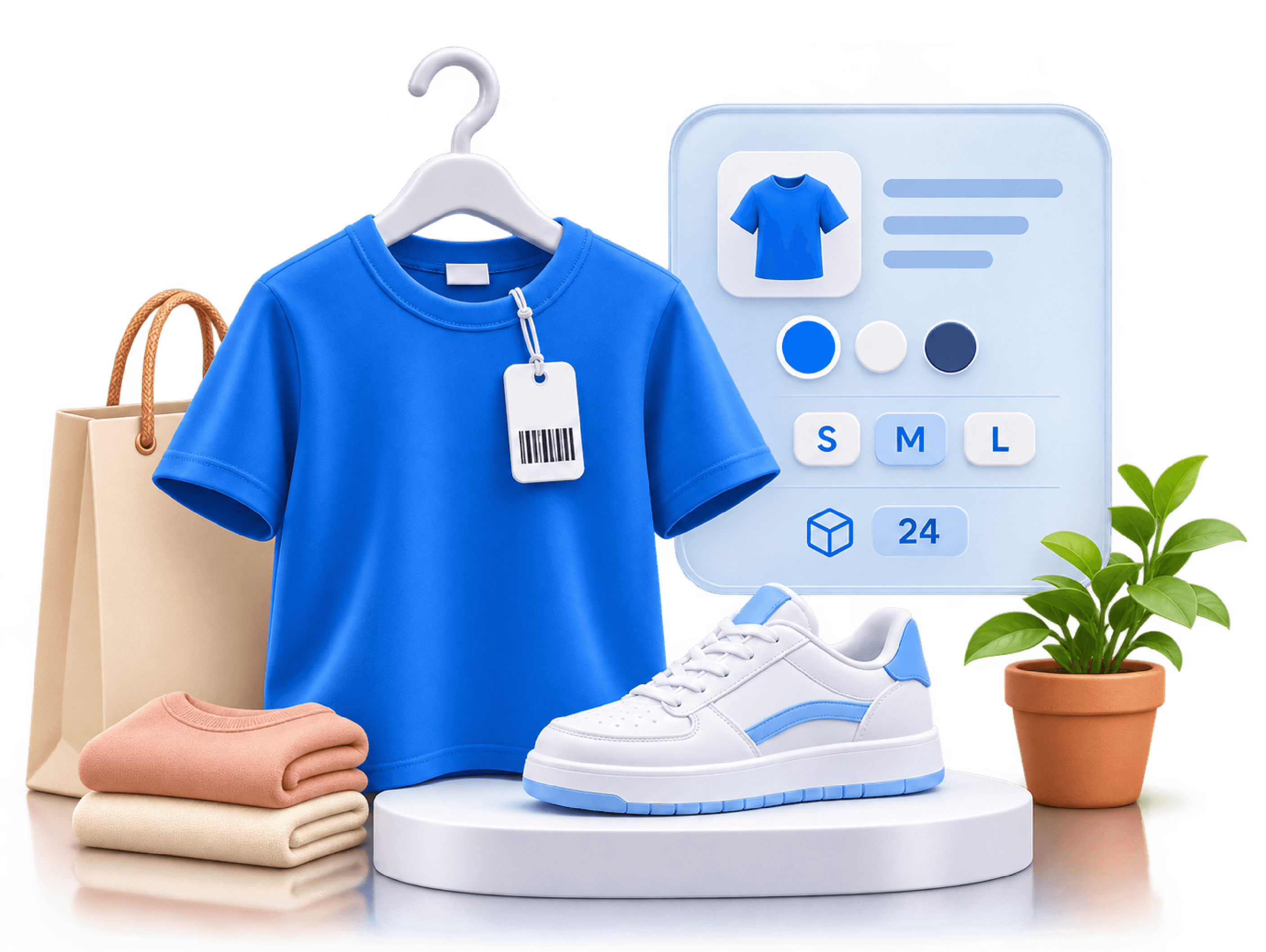
Manage product information and track sales and purchases systematically.
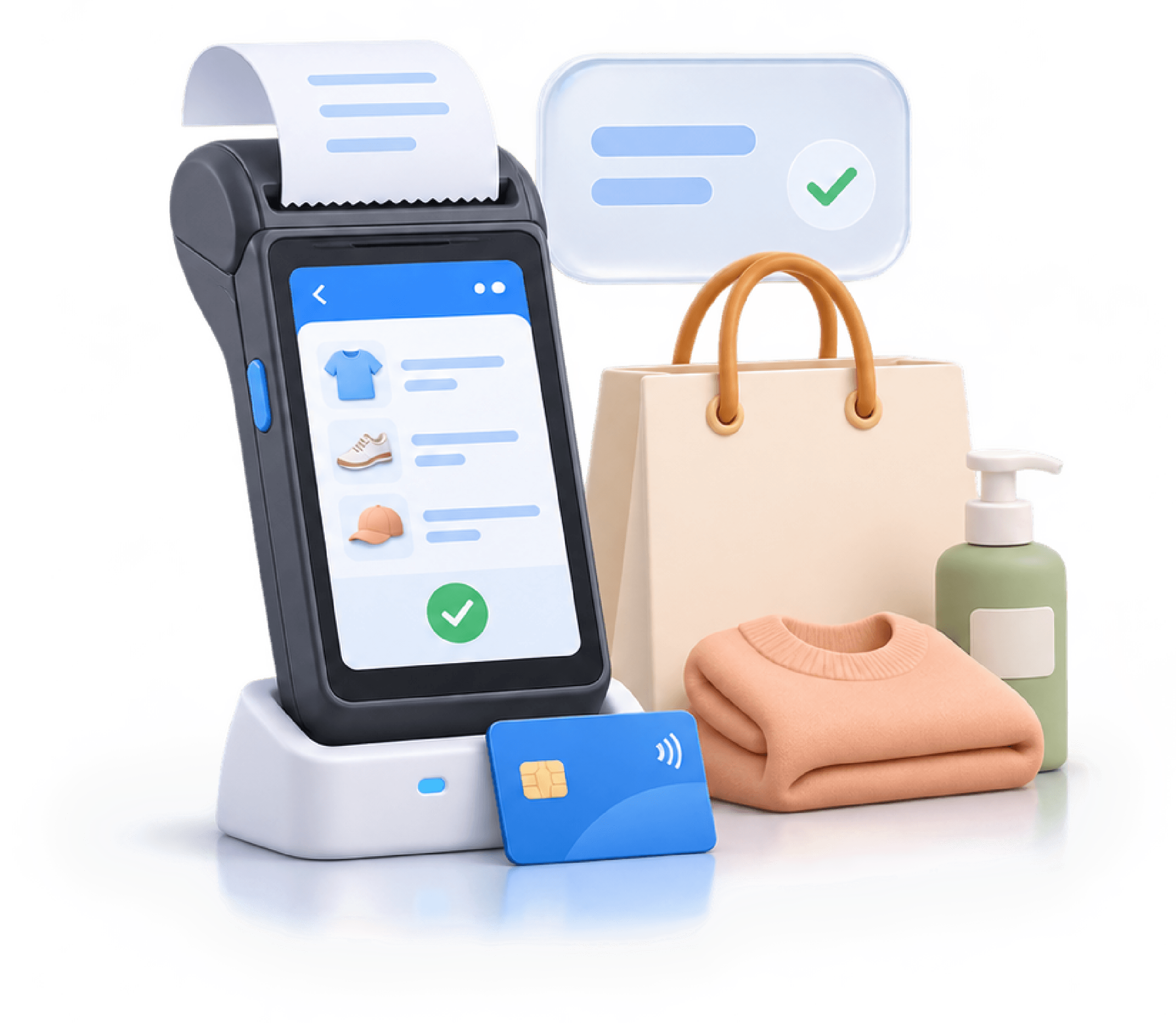
Supports sales and payments in the formats configured in the system.

View sales data and reports to support your store management.

Access sales and store data through supported devices, making it easier for owners to keep track of operations.

Suitable for all kinds of stores, from a single shop to businesses with multiple branches.

Accept in-store payments through Mobile POS conveniently, in ways that fit how your business sells.

View sales data, orders and related reports to help you manage your store more efficiently.

Whether you are just starting out or expanding your store, JSHOP POS helps manage sales and store data to fit your business, from a single shop to businesses with multiple branches.
Download the appIdeal for businesses that sell products and accept payments in store. Manage sales, products, stock and orders systematically, with full Mobile POS support.


Helps businesses with multiple stores or branches manage sales and each store's data more conveniently.
Frequently asked questions — all the answers you need in one place
It suits businesses with a physical storefront, both retail and wholesale. It supports storefront management, customer tiers and credit term settings, making sales and customer management more convenient and organized.
JSHOP's key features cover in-store sales, inventory, customer data and sales reports, helping you sell conveniently and quickly and manage your store more easily.
Yes. You can set it up to share stock with online channels or to separate stock by store/branch by creating a separate warehouse for each branch, depending on how your business manages stock.
Yes. Create a customer named "Walk-in Customer" and enter "-" in all tax invoice fields.
Whether it's about using the system, package details or an issue you've run into, our support team is ready to help and will reply within 24 business hours.
JSHOP is available on 3 platforms